Pinterest SEO for Beginners: How to Help Pinterest Understand Your Pins
Pinterest SEO sounds much more complicated than it actually is.
When I first started taking Pinterest seriously, I thought there must be some secret combination of keywords, boards and descriptions that would magically make Pinterest push my Pins.
The more I work on it, the simpler my rule has become:
Make it ridiculously obvious what your Pin is about.
Pinterest shouldn't have to guess.
If your Pin is about starting an email list, but the image says “Start Here”, the title says “Grow Your Business” and you save it to a board called “Things I Love”, you've given Pinterest very mixed signals.
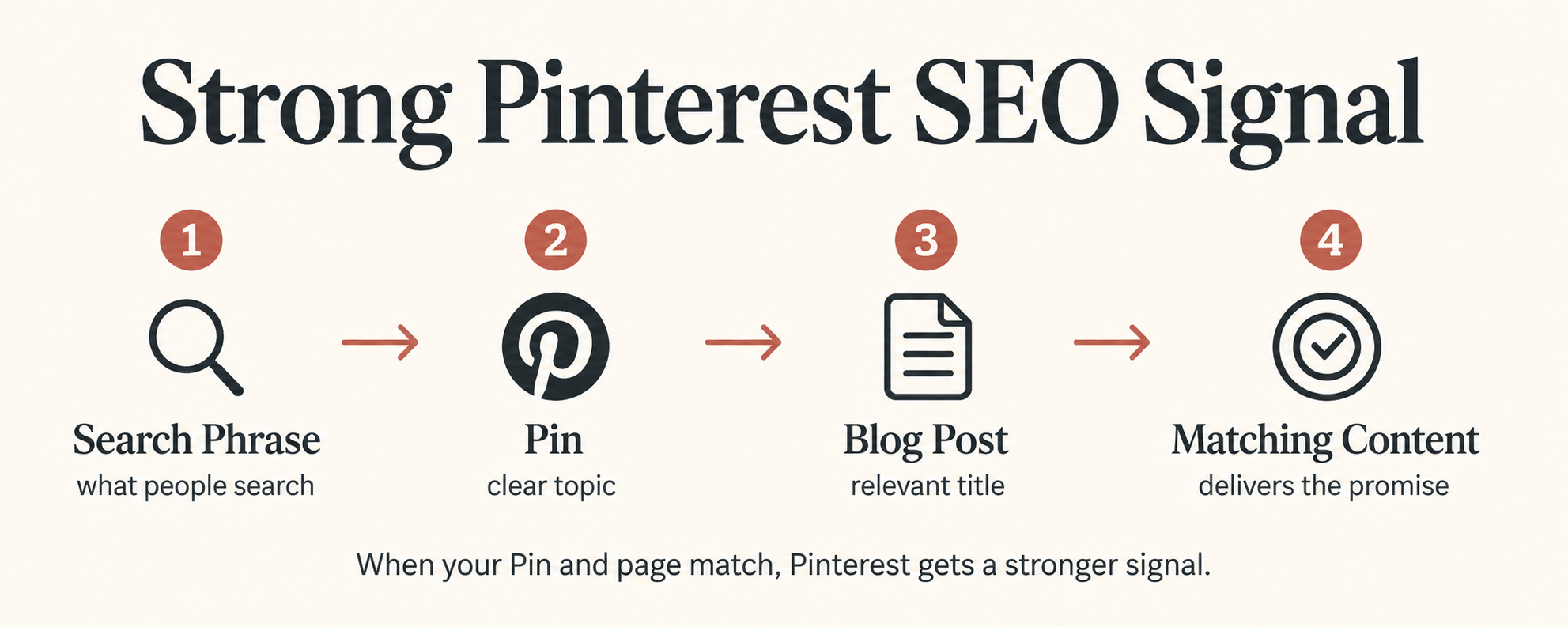
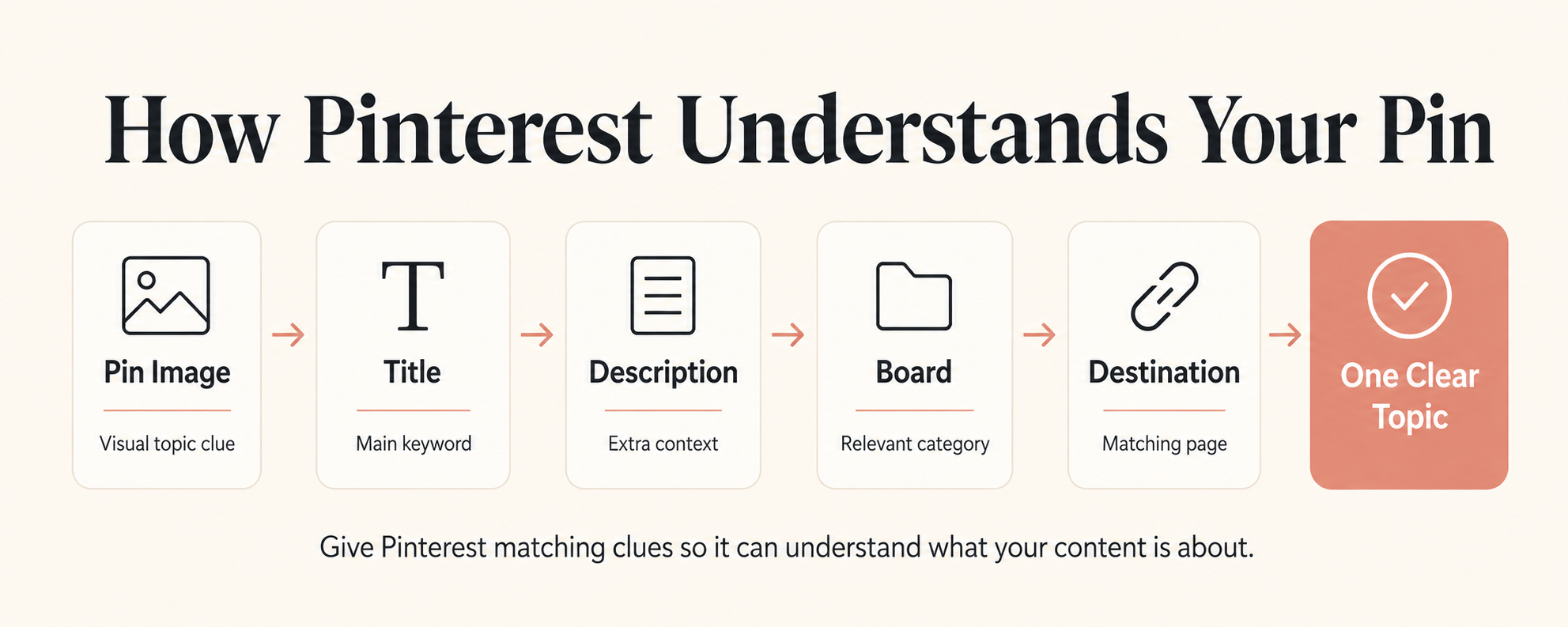
Instead, you want everything pointing towards the same topic.
Here's exactly how I do it.
1. Choose One Main Keyword First
Before designing the Pin, decide what somebody might actually search for.
For example:
Pinterest SEO for beginners
That's your main phrase.
Then find a handful of closely related phrases, such as:
- Pinterest keywords
- Pinterest SEO tips
- how to get Pins found
- Pinterest search
- how to use keywords on Pinterest
Think of these as a keyword family, not 20 phrases you need to stuff into one Pin.
Quick tip
If you can't explain what your Pin is about in one short phrase, it's probably too broad.
2. Use Pinterest Itself for Keyword Research
One of the easiest keyword research tools is Pinterest.
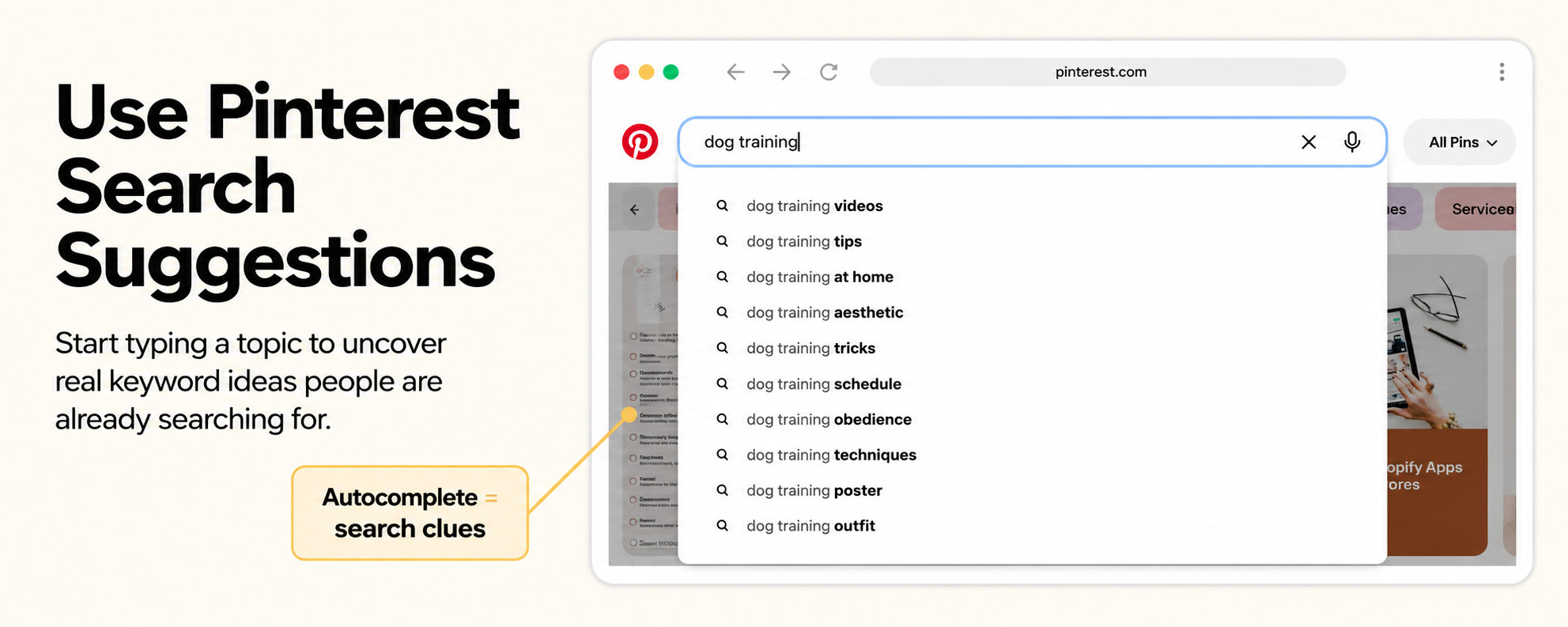
Start typing your topic into the Pinterest search bar and look at the phrases that appear.
Those suggestions can help you understand the language people use around your topic.
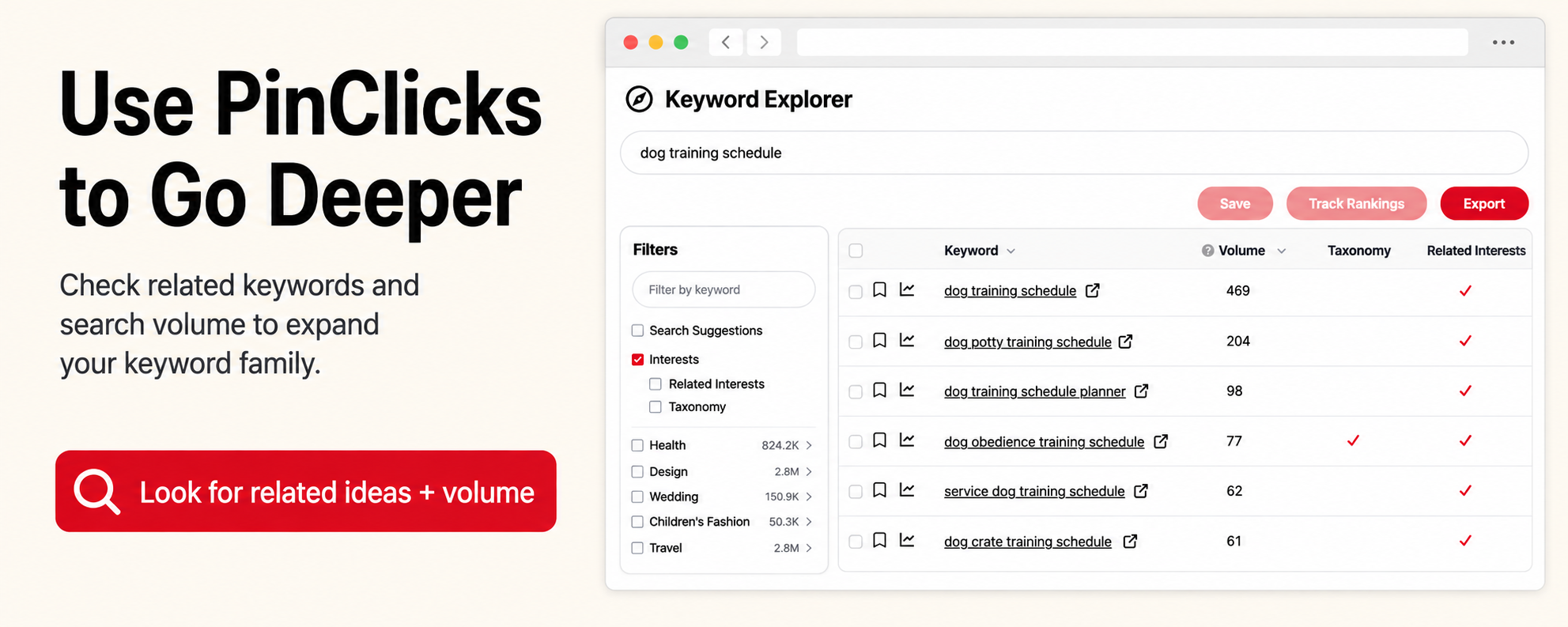
I also like using tools such as PinClicks when I want to dig deeper into Pinterest keyword ideas and organise potential search phrases.
You do not need to spend an hour researching every Pin.
Usually I want to know:
What is the main search? What closely related language keeps appearing?
Then I create the Pin.
3. Put the Topic on the Pin
This sounds obvious, but it's where Pinterest designs can accidentally become too clever.
Imagine your article is:
How to Start an Email List From Scratch
A Pin saying:
YOU NEED TO DO THIS
might create curiosity.
But:
How to Start an Email List From Scratch
gives Pinterest — and the person scrolling — immediate context.
You can still make it interesting.
Try:
Your Email List Doesn't Need a Huge Funnel
Here's the simple way I'd start from scratch
or:
How to Start an Email List From Scratch
with one simple freebie
The keyword gives you clarity.
The second line gives you the hook.
4. Write a Natural Pinterest Title
Your title doesn't need to look like this:
Pinterest SEO | Pinterest Keywords | Pinterest Marketing | Pinterest Tips
Please don't.
Write for a human.
For this article, I might use:
Pinterest SEO for Beginners: How to Get Your Pins Found
Simple.
Clear.
Relevant.
That tells both the reader and Pinterest what they're about to get.
5. Use Your Description to Add Context
Your description is where you can naturally add related phrases.
For example:
Learn Pinterest SEO for beginners and see how to use Pinterest keywords in your Pin titles, descriptions, boards and content. These simple Pinterest SEO tips will help you create Pins that are easier for Pinterest to understand and categorise.
Notice what's happening.
I'm not repeating one phrase 15 times.
I'm adding context:
Pinterest SEO.
Pinterest keywords.
Pin titles.
Descriptions.
Boards.
All relevant to the same topic.
My formula
Main keyword + related context + what they'll get when they click.
That's enough.
6. Save the Pin to the Right Board
I think of Pinterest boards like labelled shelves.
If I save this post to:
Pinterest Marketing Tips
that gives Pinterest useful context.
If I save it to:
Random Stuff I Like
not so much.
Keep your board names straightforward.
Good examples might be:
Pinterest Marketing for Beginners
Pinterest SEO Tips
Blogging + Pinterest
Clear beats clever here too.
7. Make Sure the Blog Post Matches the Pin
This is one of the easiest ways to keep your signals consistent.
If your Pin says:
Pinterest SEO for Beginners
it should lead somewhere that genuinely teaches:
Pinterest SEO for Beginners.
Not your homepage.
Not a vaguely related freebie.
Not an article about Instagram.
Think:
Pin promise → matching page
Your headline, Pin and destination should all make sense together.
8. Create More Than One Pin Angle
One blog post doesn't need one Pin.
This article could produce:
Pinterest SEO for Beginners
How to Use Keywords on Pinterest
Why Pinterest Doesn't Understand Your Pins
Where to Put Pinterest Keywords
How to Get Your Pins Found in Search
5 Pinterest SEO Mistakes Beginners Make
Same article.
Different entry points.
That means you can test different hooks while keeping the core topic consistent.
9. Use Canva to Create Variations Quickly
This is where Canva saves me a lot of time.
Instead of designing every Pin from scratch, I reuse templates and change:
- the headline;
- photo;
- accent colour;
- text positioning;
- hook.
That lets me create several fresh-looking Pins around the same article much faster.
And if you need images for your Pins, tools like Ideogram or Midjourney can help create custom visuals rather than relying on the same stock photos everyone else is using.
The important part is that the image still makes sense with the topic.
A beautiful image that has absolutely nothing to do with your Pin can make the whole thing less clear.
Want My Pinterest Templates?
If the SEO part makes sense but you're thinking:
“Great… now I need to actually make all these Pins.”
I've got you.
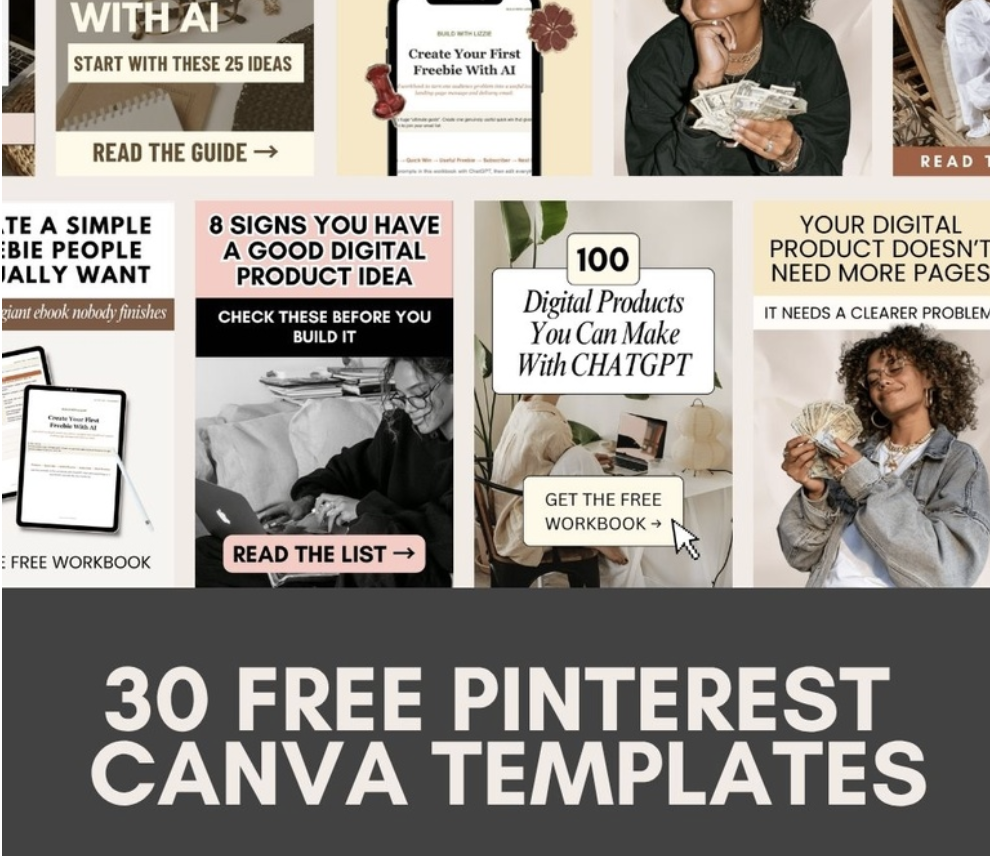
I've put together 30 Pinterest Canva templates that I've created and used for my own content.
You can keep the layouts, swap in your own wording, colours and images, and turn them into Pins for your own niche.
10. Schedule Consistently Instead of Posting in Bursts
Once I've created a batch of Pins, I don't want to remember to manually publish them every day.
That's where a scheduling tool such as Tailwind can make the workflow much easier.
My process is basically:
Research → write → design → batch → schedule
rather than:
Wake up → panic → make today's Pin → repeat forever.
You can batch several designs for one article, schedule them across your content calendar and then move onto creating the next useful piece of content.
11. Watch What Pinterest Responds To
Don't assume your first idea will be your winning one.
Look at which Pins get:
- impressions;
- saves;
- outbound clicks;
- engagement.
Then ask:
What was different?
Was the headline clearer?
Was the keyword more specific?
Did one design stand out?
Was the topic more searched?
That information should influence your next batch.
Pinterest SEO isn't something you “finish”.
You give Pinterest clear signals, publish consistently and then learn from what happens.
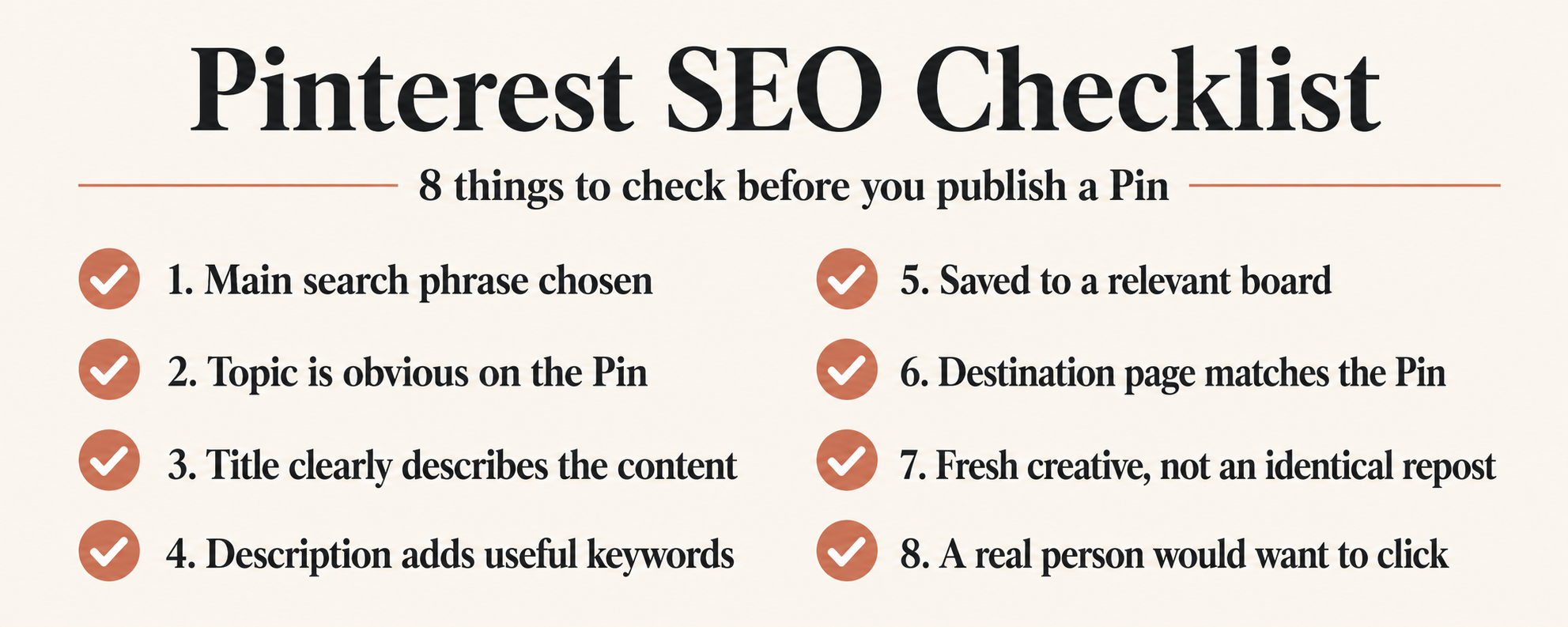
My Simple Pinterest SEO Checklist
Before I schedule a Pin, I ask:
1. What is the main search phrase?
2. Is that topic obvious from the Pin itself?
3. Does my title clearly describe the content?
4. Does my description add useful related keywords?
5. Am I saving it to a relevant board?
6. Does the destination page match the Pin?
7. Is this a fresh creative rather than an identical repost?
8. Would a real person immediately understand why they should click?
Pinterest SEO Is Mostly About Clarity
I'm trying to think less about:
“How do I make Pinterest like this Pin?”
and more about:
“Have I made it completely obvious what this Pin is about?”
One clear keyword.
A matching Pin.
A useful description.
A relevant board.
A matching blog post.
Then repeat.
You do not need to become an SEO expert before you start.
You need to give Pinterest consistent clues and give the person scrolling a genuinely useful reason to click.
And once you know what you want your Pins to say, you can grab my 30 free Pinterest Canva templates to make creating them much faster.